Designing a Token-Based Theming System for Scalable Whitelabeling
Problem
The company’s old whitelabeling process didn’t scale. To restyle the product for a partner, a developer had to:
Search the codebase to find where each UI element’s styles lived
Override inline styles by hand in a large, per-partner JS style object
Add new override hooks wherever an override didn’t already exist
Maintain the partner-specific JS style object whenever new features were added
Reconcile that object with a separate CSS file for the edge cases it couldn’t cover
The biggest time sink was just finding where styles lived. This made our whitelabeling efforts slow and completely dependent on engineering, which lead to large knowledge silos that our team relied upon in order to ship out whitelabels at a reasonable pace.
Goals
When we rebuilt the design system, we were actually solving two different problems with the same architecture.
As with any good design system, this new system would provide a single, finite source of truth for color, type, spacing, etc. to keep every screen visually consistent. A change to a value cascades everywhere it’s used instead of being hand-edited in a dozen places.
Additionally we wanted to let a partner re-skin the entire product to their own brand by taking advantage of the same sensible names and cascading properties of our design tokens. Instead of an engineer spending a week hunting through the repo, we wanted the resulting whitelabeling process to be fast, predictable, self-serve for partners, and scalable as we signed more of them.
Solution
The system runs on a two-level paradigm, templates and themes, with a third escape hatch for anything that doesn’t fit either.
Template
The template is our library of base tokens: the ground floor of the whole system. Internally we treat these as primitives, and developers never reference them directly. This is also the starting point for a whitelabel. A partner can use a palette of a few colors and a font, and that populates the template across the whole app.
To accomplish this we supply sensible defaults for anything left blank by running CSS calculations to derive color steps. If a partner gives us danger.default, we calculate danger.weak and danger.strong for them; if they also supply danger.weak, we only calculate danger.strong. For partners with simple themes or low customization needs, this drops an initial whitelabel timeframe from days to literally minutes.
Themes, via override tokens
Overrides are where deeper, more precise customization happens. Instead of thinking in terms of “red” or “blue,” they name the purpose a color serves, in the format `sentiment-usage-variant-state.`
So danger-background-primary-hover would represent a primary danger button that’s being hovered by the user. And just as a semantic token points to a primitive, each override token points to a template token in the base styles. This ensures we don’t leak any unwanted colors into the app.
Escape hatch — .Tight classnames
Any partner styles that don’t fit into our template or overrides can be applied with direct CSS classname changes. We provide a set of “valid classnames” (css classes prepended with .Tight in order to avoid collisions) in the app that allow for more fine grained customization for opinionated parters than our design system would otherwise accommodate for.
How Whitelabeling Actually Works Now
We do whitelabels in house before handing them off to our partners, who from that point on own the styling for our embedded app. The entire deliverable is a single CSS file containing the filled-in template token values, any overridden tokens for deeper customization, and possibly a few .Tight classnames for edge cases.
Impact
Compared to the old whitelabeling process, this new system means that:
Quick, simple whitelabels for a prospective partner or demo can be generated in minutes
A full first-pass whitelabel drops from about a week to roughly 3-4 hours
Engineering time spent on partner styling tickets is sharply reduced
Partners can own and manage their own styles without engineering requests
Company Dashboards
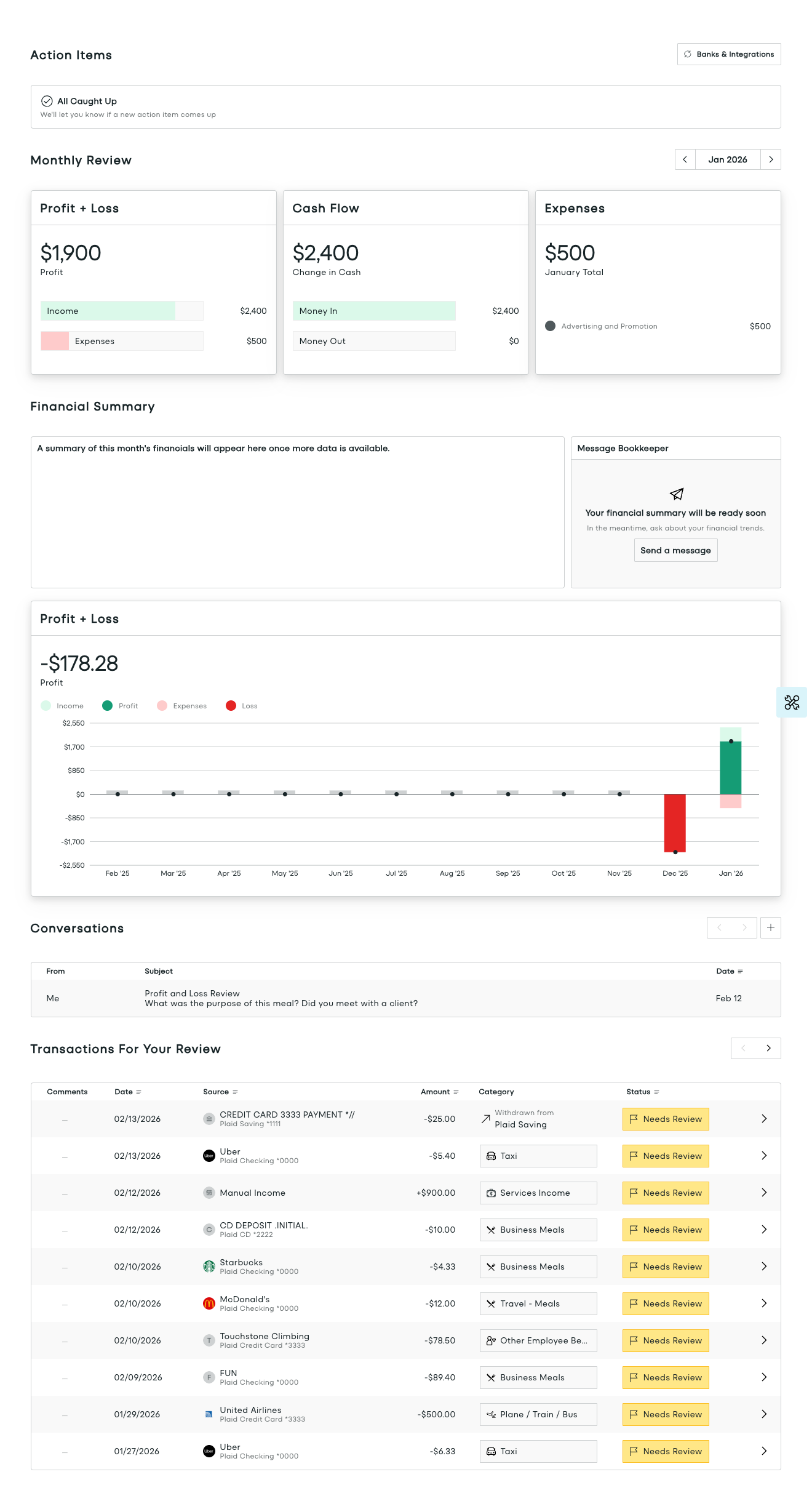
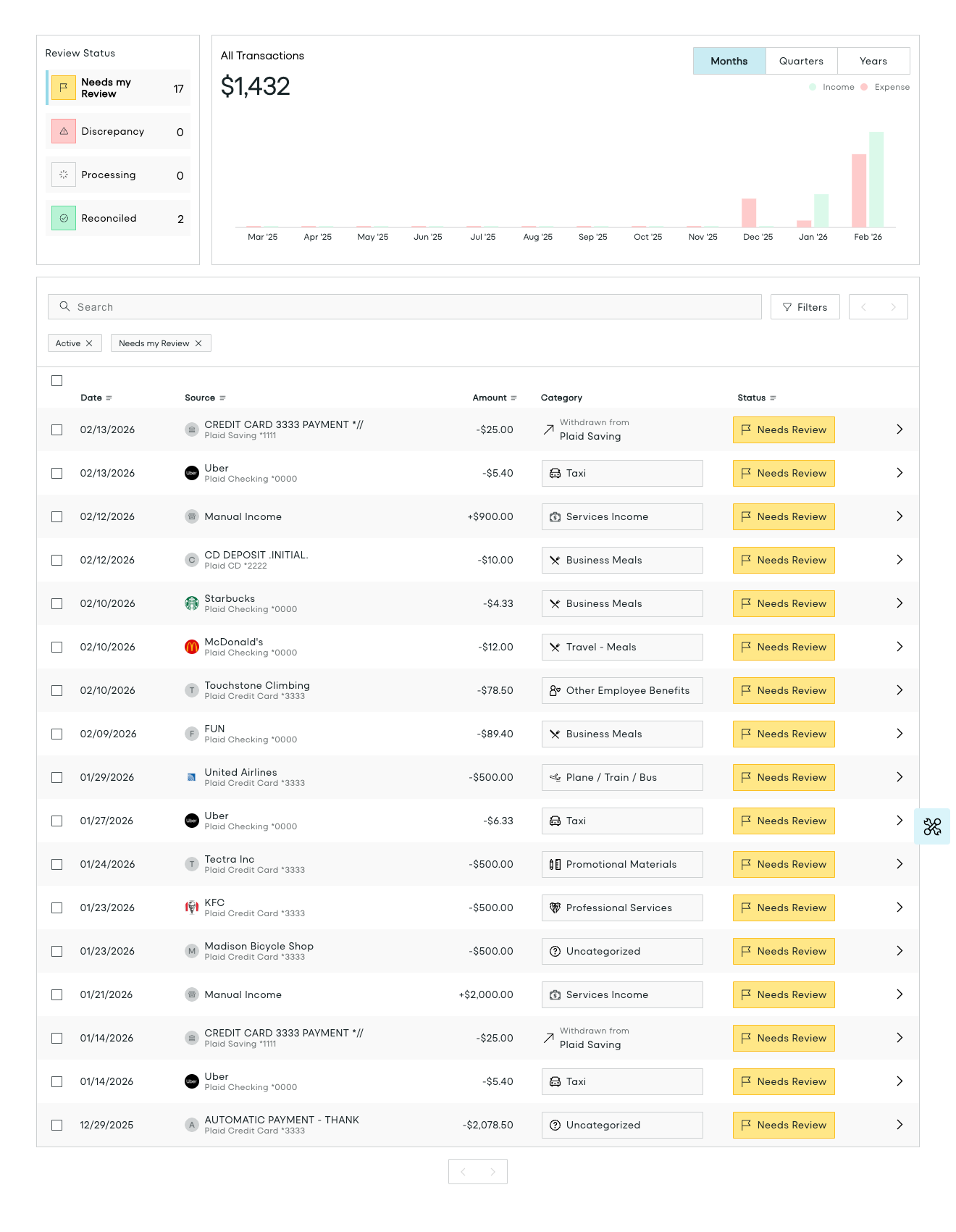
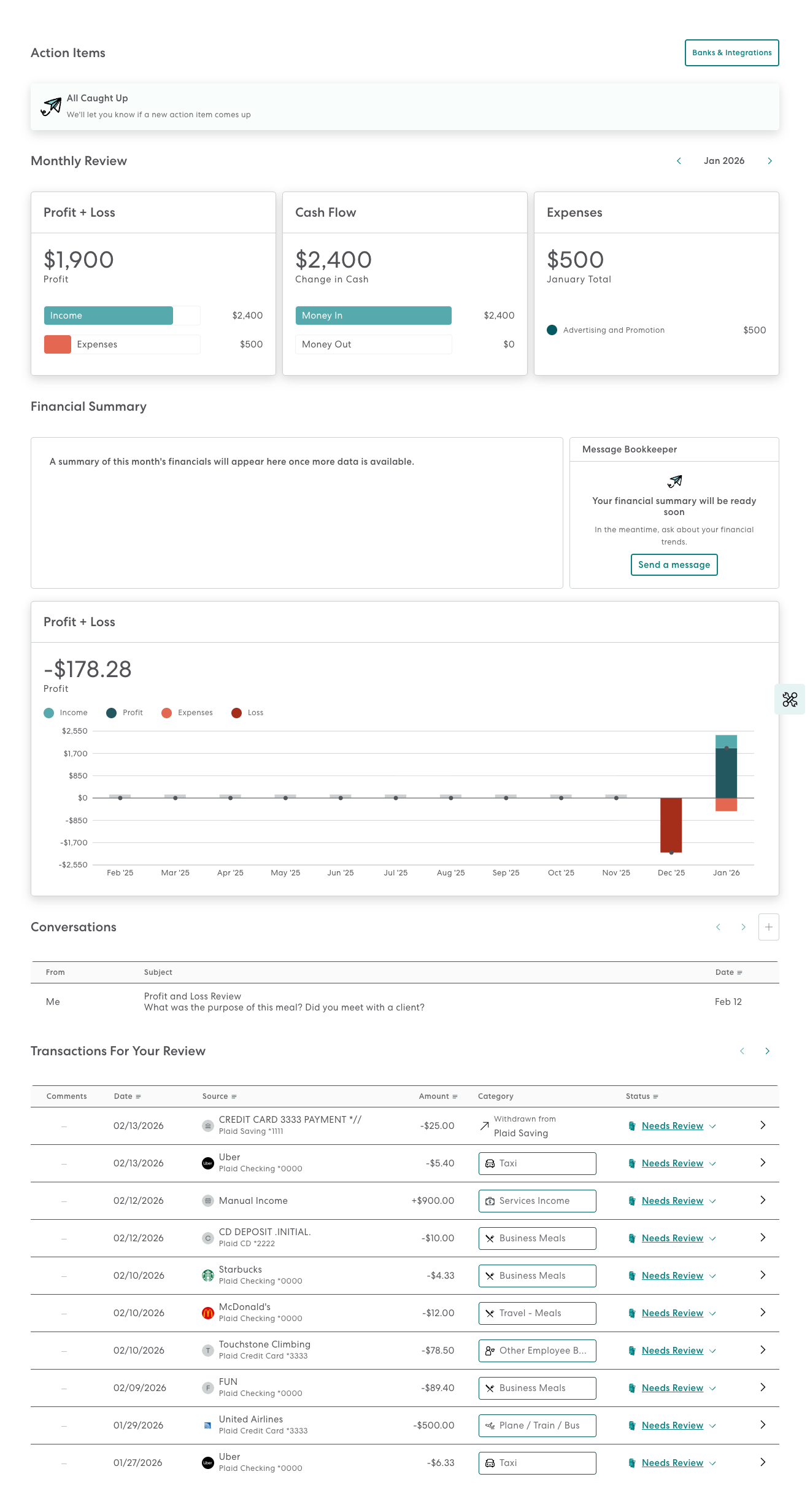
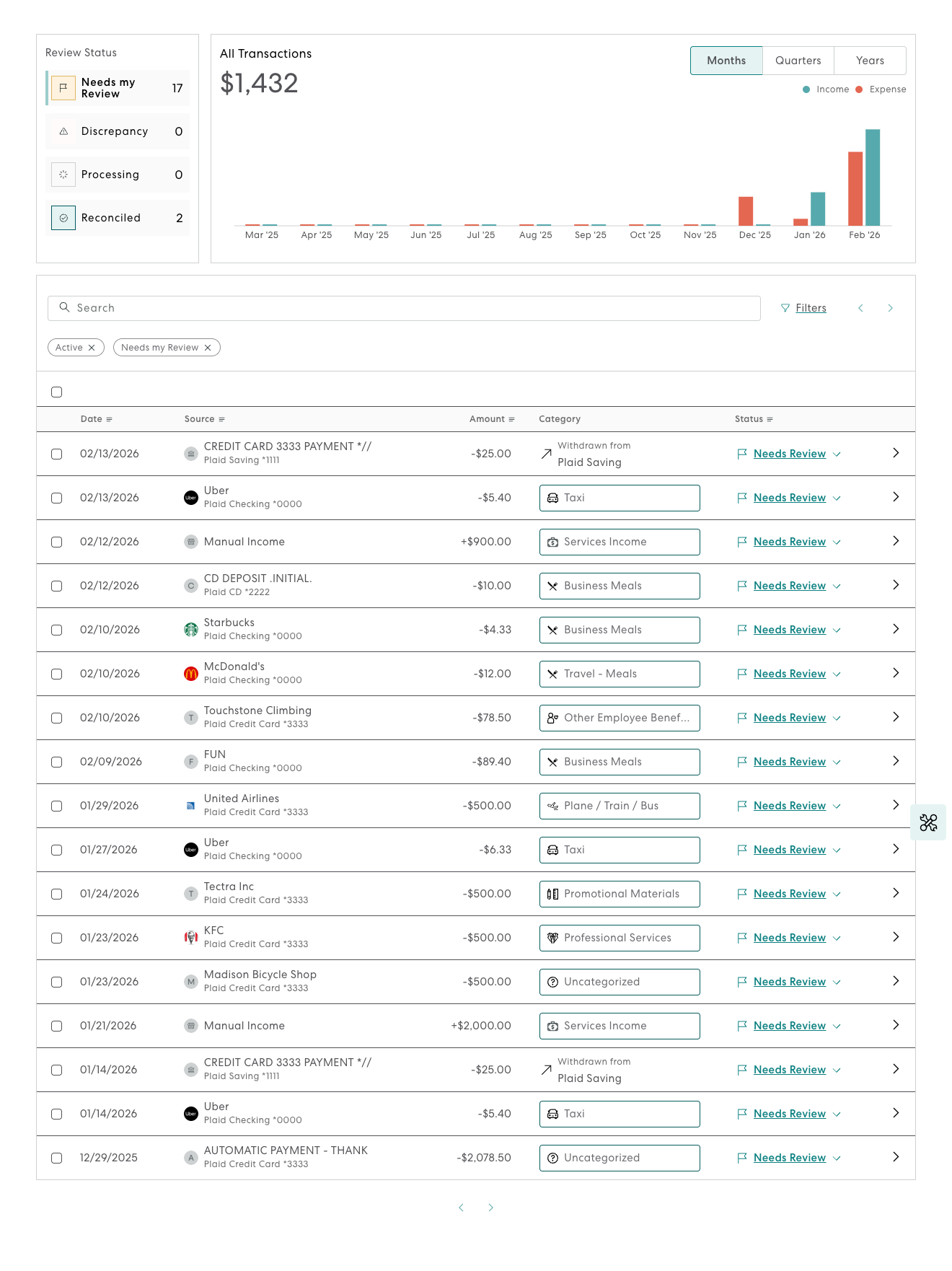
Whitelabeled Dashboards